Kindle Colorsoft vs Paperwhite: Is Color E Ink Worth the Extra Cost?
Color E Ink sounds like an obvious upgrade until you look at what owners are actually reporting. Here's how to decide without wasting $280.
ReviewHubNow Editorial Team
ReviewHubNow Editorial Team
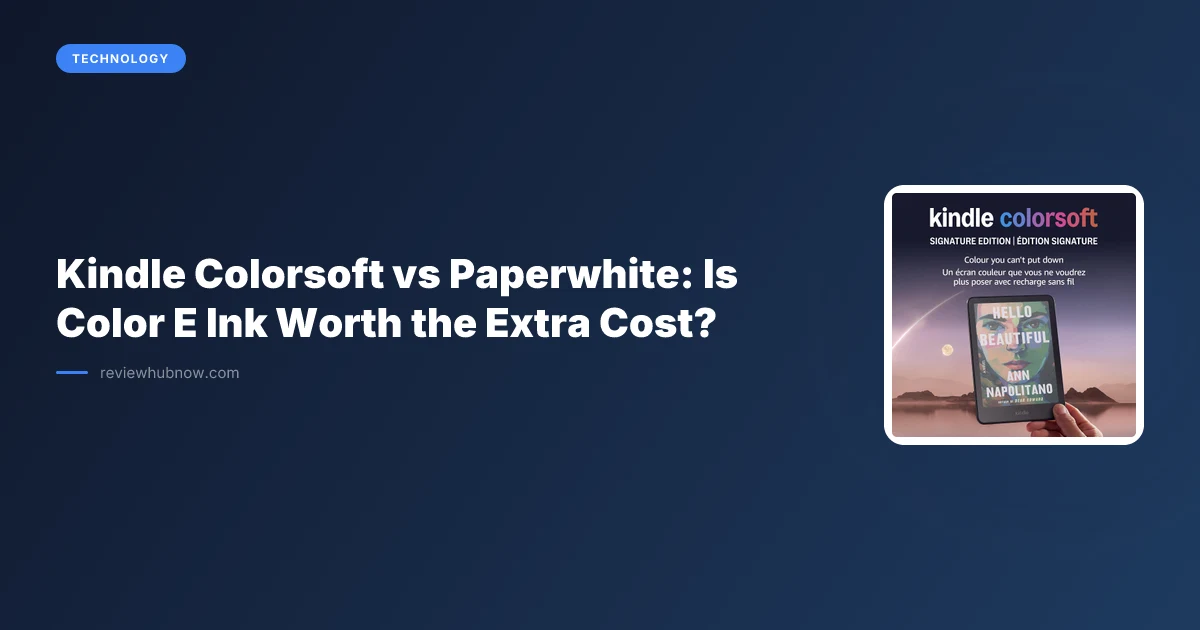
Most people shopping for a new Kindle make this decision backwards. They see "color" on the box, assume it's strictly better than the black-and-white version, and pay the premium without asking what the color layer actually costs them in return. It's not a free upgrade. It's a trade, and depending on what you read, it might be a bad one.
The Colorsoft launched at $279.99. The standard Paperwhite sits at $159.99, with the Signature Edition around $199.99. That's a $80-$120 gap for a feature that, on close inspection, changes less about your reading experience than the marketing suggests. Here's how to actually work through the decision.
What does color E Ink technology actually change?
The Colorsoft uses what Amazon calls a Kaleido-style color filter array layered on top of the same basic E Ink panel found in the Paperwhite. Think of it as a screen printed with a grid of tiny red, green, and blue filters sitting above the black-and-white display beneath it. That filter layer is how you get color. It's also the reason the screen looks noticeably dimmer and less crisp for plain text than the Paperwhite's panel.
This isn't a design flaw, it's physics. Every color filter layer absorbs some light before it reaches your eye, so color E Ink panels run roughly 30% darker than their monochrome equivalents at the same brightness setting. Amazon compensates with a brighter backlight, which helps, but reviewers and owners consistently report that black text looks slightly grayer and softer on the Colorsoft compared to the Paperwhite sitting next to it. If 95% of what you read is a novel or nonfiction with no images, you're paying extra for a feature that actively works against the thing you use the device for most.
Who is the color screen actually built for?
Comics, manga, cookbooks, children's picture books, graphic novels, and highlighted PDFs or textbooks with charts. That's the real use case. If you read manga on a phone or tablet right now and want something easier on your eyes for long sessions, the Colorsoft is a legitimate upgrade. If your library is mostly text, you're buying a feature you won't touch.
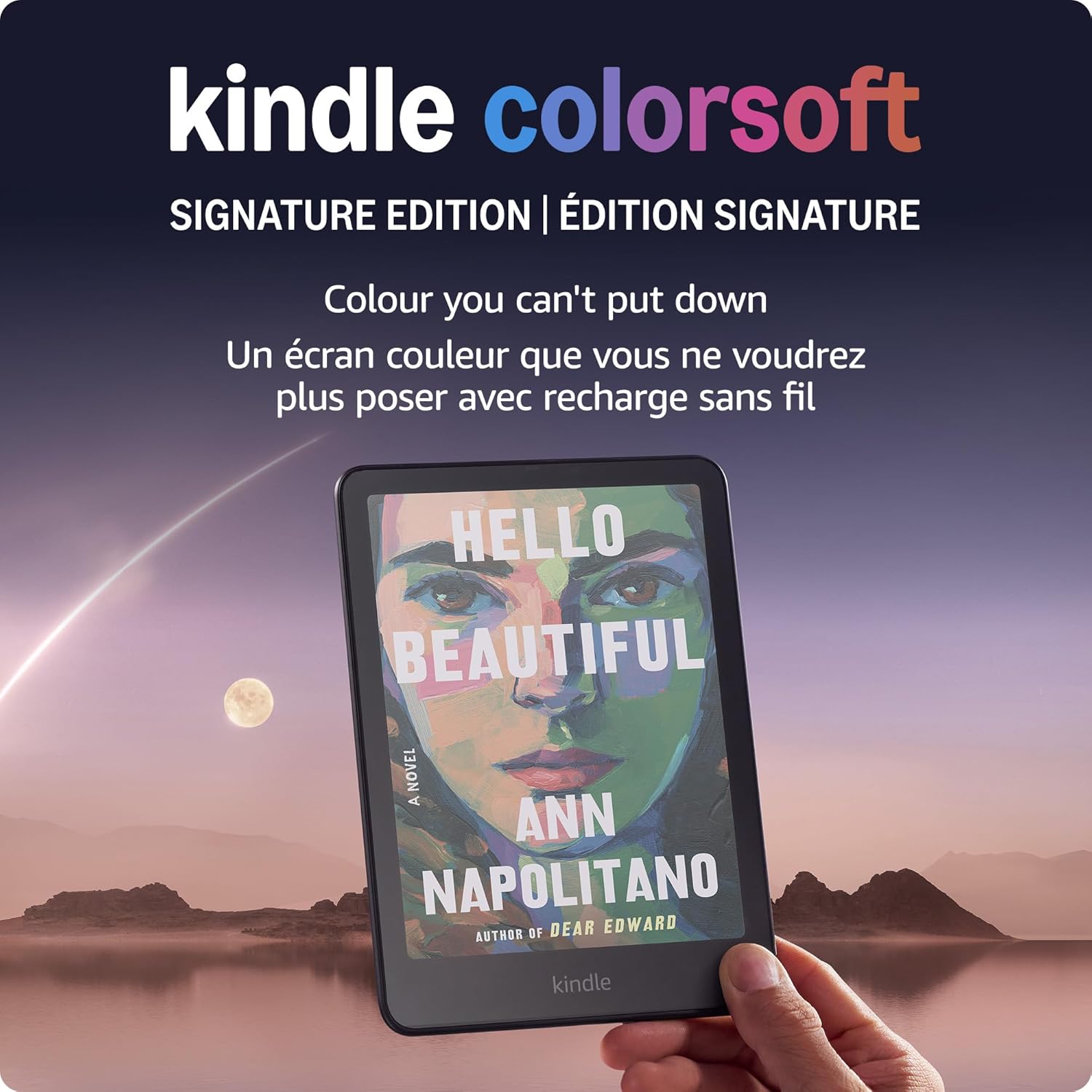
Amazon's own product page leans into this by showing book covers and highlighted notes in color, which is honest marketing but easy to misread as "everything looks better." It doesn't. Everything with color content in it looks better. Everything else looks about the same or slightly worse than the Paperwhite.
What documented problems should you know about before buying?
This is the part most reviews skip. At launch, a meaningful number of Colorsoft buyers reported a visible yellow-tinted band or blotch near the bottom of the screen, most noticeable on white backgrounds and in the page-turn corner. Amazon acknowledged the issue publicly and paused some shipments while working with owners on replacements. Later production runs appear to have resolved it for most units, but it's the kind of documented defect you want to know about before you're the one filing a support ticket over a $280 device.
Separately, owners consistently report shorter battery life on the Colorsoft: weeks instead of the Paperwhite's month-plus, largely because of the added backlight power draw needed to compensate for the darker color filter. If you're the type who charges your e-reader once and forgets about it for three weeks, that's a real behavioral change, not a minor spec footnote.
Page refresh behavior is also slower on color pages specifically. Turning a page with an image or colored cover can show brief ghosting or a visible flash-refresh that doesn't happen on plain text. It's not broken, it's just a limitation of how color E Ink refreshes pixel groups, and it's worth knowing before you're annoyed by it mid-chapter.
How do you decide which one to actually buy?
- Step 1: Audit your last 20 books. Open your library or reading app and actually count how many had meaningful color content, comics, illustrated nonfiction, cookbooks, children's titles. If it's fewer than 3 or 4, save the money.
- Step 2: Weigh battery habits honestly. If you're bad about charging devices, the Paperwhite's longer battery life isn't a minor perk, it's the difference between a device that's always ready and one that's dead in your bag.
- Step 3: Consider your eyes, not just your library. If you're sensitive to screen dimness or read primarily at night with the light low, the Paperwhite's brighter, crisper black-and-white contrast is the more comfortable experience for straight text, full stop.
- Step 4: Check current unit reports before buying. Given the documented early production issue, it's reasonable to check recent buyer feedback on the specific listing you're purchasing from before committing, especially if buying from a third-party seller rather than directly.
- Step 5: If you're still unsure, default to Paperwhite. It's the safer, cheaper, more battle-tested option, and it's what most heavy readers are actually buying in 2026. If we covered the Paperwhite Signature Edition upgrade path before, that logic mostly applies here too: extra storage and wireless charging matter more to daily satisfaction than color does for the average reader.
Is the Colorsoft worth it for anyone specifically?
Yes, for a smaller group than Amazon's marketing implies. If you read manga, webtoons, or illustrated books regularly and currently do it on a phone or LCD tablet, the Colorsoft solves a real problem: eye strain from backlit screens during long reading sessions. E Ink, even the dimmer color version, is still gentler on your eyes than an LCD panel at the same brightness. That's the actual selling point, not "everything looks nicer."
For everyone else, the honest answer is that color E Ink is a feature in search of a use case for most readers, priced like it's already essential. What the research and owner reports keep showing is that the people happiest with their Colorsoft are the ones who already knew exactly why they needed color before they bought it. The people who bought it because it seemed like the obvious upgrade are the ones posting about yellow bands and shorter battery life six months later.
Editor's Pick
Affiliate link. We may earn a commission if you buy through it, at no extra cost to you.
More from Our Editors
Meta Quest 3S 512GB vs 256GB: How Much Storage Do You Actually Need?
By ReviewHubNow Editorial Team
Do You Need a Soundbar With a Built-In Subwoofer for a Small Room?
By ReviewHubNow Editorial Team
Ottocast Mini Cube 3.0 vs CarlinKit: Which Adapter Should You Buy?
By ReviewHubNow Editorial Team