Wireless CarPlay Adapter With Wired Already Working: Worth It?
Your wired CarPlay works fine, so why add a wireless adapter? This is a friction decision rather than an upgrade decision, and the answer depends on habits worth counting first.
ReviewHubNow Editorial Team
ReviewHubNow Editorial Team
A recurring question in this category comes from people whose wired CarPlay already works: nothing is broken, so why does so much of the internet insist a wireless adapter is necessary? The framing is the problem. This is not an upgrade decision, it is a friction decision. Nobody buys an adapter because wired CarPlay failed. They buy it because plugging in a cable dozens of times a week is a small recurring tax that adds up more than expected.
Going wireless changes no features. It removes one specific, tiny, repeated annoyance, and whether that justifies the price depends on habits most drivers have never actually measured.
How often do you actually plug in?
Count for three days rather than estimating, because the estimate is usually wrong. People guess a few times a week, and the real figure often lands considerably higher once you include unplugging for calls, unplugging to reach something in the glovebox, and surrendering the port when a passenger needs a charge.
A low count means wired CarPlay is a non-issue and the money is better kept. A high count means hundreds of plug-in cycles a year removed, along with wear on the port and cable, which nobody considers until a loose connector starts dropping the connection mid-drive.
Is your head unit ready for a wireless adapter?
This is the step people skip before writing an angry review. The adapter does not replace your head unit's CarPlay software, it convinces that software a wired phone is connected while relaying everything over Wi-Fi and Bluetooth.
So an infotainment system that already misbehaves on wired CarPlay, with random disconnects, audio stutter or slow app loading, will not be repaired by an adapter. It usually gets worse, because you have added a wireless handoff on top of an already unreliable wired implementation. Pay attention to your current setup for a week first. Solid wired performance predicts solid wireless performance, and a glitchy baseline needs fixing before anything else.
What do you give up by going wireless?
These adapters have improved considerably, with faster connection times and dependable auto-reconnect compared to the earliest generations. Wireless still is not a strict upgrade over a cable.
Charging is the first trade. A wired connection charges the phone while it runs CarPlay, and the adapter occupies that port, so your phone either charges slowly through a pass-through or not at all depending on the model. Audio and video also travel compressed over the wireless link, which passes unnoticed in ordinary driving and is a genuine difference for anyone particular about playback quality.
Then there is interference, the failure mode nobody mentions at purchase. Parking near other vehicles running similar adapters, or driving through areas dense with competing Wi-Fi, can produce intermittent audio dropouts that a cable never had. It is uncommon, and it is exactly the experience that turns someone against wireless permanently after one bad drive, often when a firmware update would have resolved it.
Which adapter should you buy?
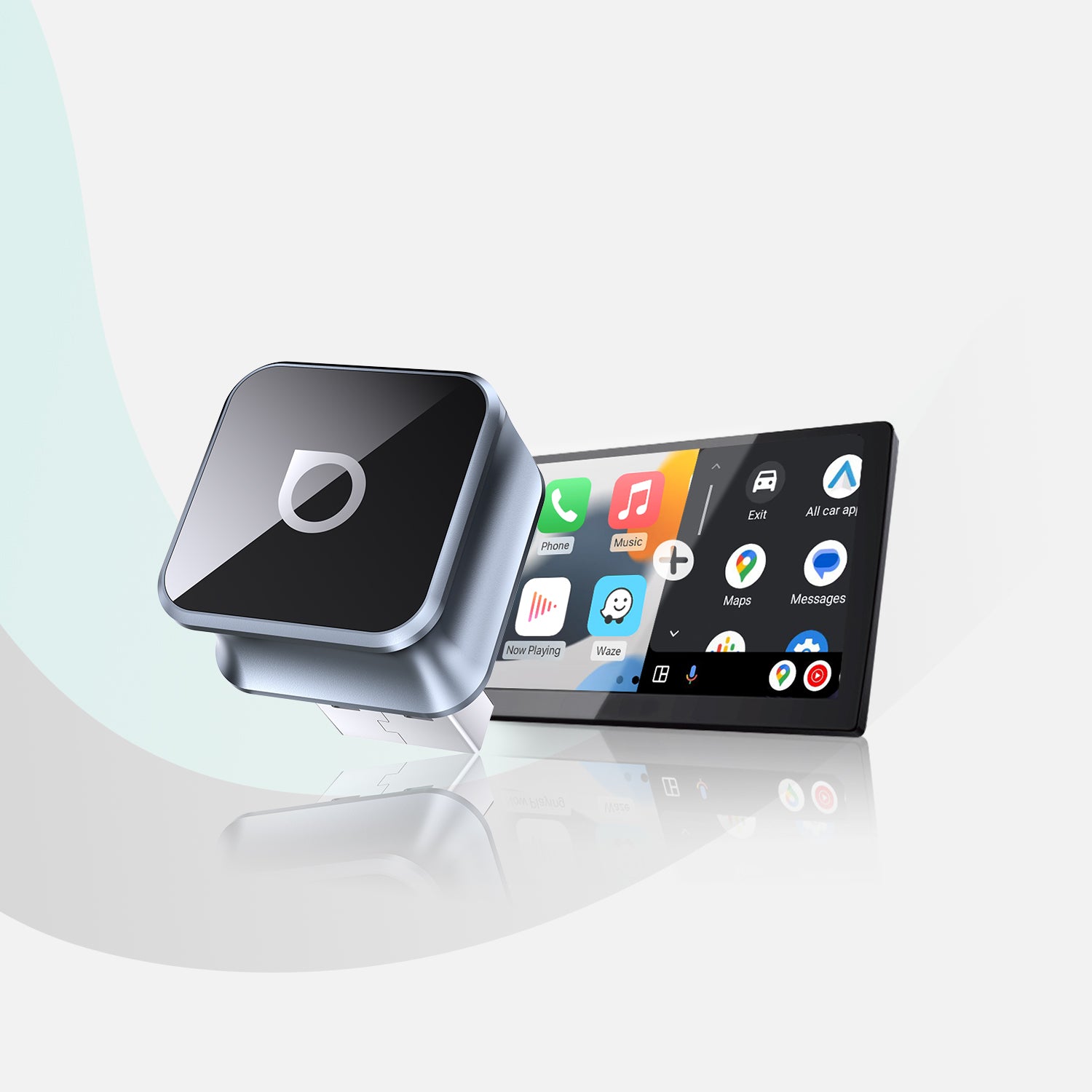
Not the cheapest, because that is where most regret in this category originates. The bargain tier runs older Wi-Fi chipsets with compromised antenna design, and the gap against better hardware such as the Ottocast Mini Cube 3.0 shows up as slower handshakes and more frequent dropouts. That difference surfaces within the first couple of weeks, typically at the least convenient moment, when navigation audio cuts out during a highway merge.
Look for dual-band Wi-Fi and check your specific vehicle against the manufacturer's compatibility list before ordering. Our guide to the real compatibility rules covers how much this varies between manufacturers.
How do you set one up correctly?
Use the data USB port rather than any charging port on the dash. Some cars have ports that supply power without carrying data, and an adapter plugged into one sits there blinking with nothing to talk to.
Pair the phone once through the settings menu as instructed, then leave Bluetooth and Wi-Fi switched on permanently. The most common complaint about these devices, that auto-connect stopped working, usually traces to someone disabling Bluetooth to save battery and breaking the handshake the adapter depends on.
Give it two full drives before forming a judgement, since the first connection is always slower than every subsequent one.
So is it worth adding?
Yes for anyone who plugs in constantly and whose wired CarPlay already runs cleanly. Buy a decent unit and the daily friction disappears. No for anyone whose cable setup is already unreliable, or who rarely unplugs in the first place, because more technology does not automatically produce a better experience.
Our fuller comparison of wireless versus wired CarPlay covers what changes functionally, and the same conclusion applies here: wireless solves an inconvenience rather than a capability gap. Work out which of those you have before spending anything.
Editor's Pick
Affiliate link. We may earn a commission if you buy through it, at no extra cost to you.
More from Our Editors
Meta Quest 3S 512GB vs 256GB: How Much Storage Do You Actually Need?
By ReviewHubNow Editorial Team
Do You Need a Soundbar With a Built-In Subwoofer for a Small Room?
By ReviewHubNow Editorial Team
Ottocast Mini Cube 3.0 vs CarlinKit: Which Adapter Should You Buy?
By ReviewHubNow Editorial Team