Ottocast Mini Cube 3.0 in Older Cars: The Setup Guide That Works
Most people install this thing wrong and blame the hardware. Here's the exact setup process that actually gets wireless CarPlay running smoothly in an older car.
ReviewHubNow Editorial Team
ReviewHubNow Editorial Team
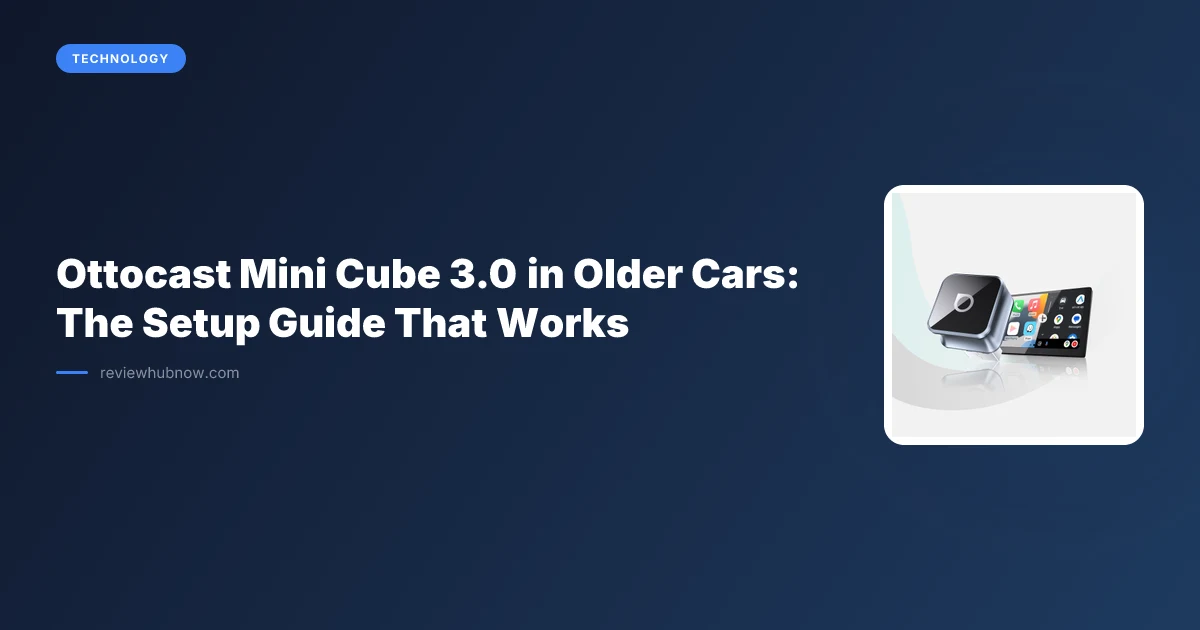
Adapters in this category get returned more often than they fail, because plug-and-play gets read as plug-and-forget. The Ottocast Mini Cube 3.0 is genuinely capable hardware, and the difference between loving it and returning it usually comes down to four decisions made in the first ten minutes.
Older cars are the reason this product category exists. A dash with wireless CarPlay already built in needs neither this guide nor this device, and our piece on whether the upgrade is worth it covers that situation. For a vehicle from roughly 2016 to 2020 with wired-only CarPlay in an infotainment system both Apple and the automaker have moved on from, the Mini Cube is one of the few routes to wireless without replacing the head unit.
Step 1: Confirm your car supports wired CarPlay
Obvious, and still the most common mistake. The Mini Cube does not add CarPlay to a car that never had it, it converts an existing wired CarPlay connection into a wireless one. An infotainment system that has never displayed the CarPlay icon with a cable attached will not display it with an adapter either.
This accounts for a large share of the one-star reviews in this category: buyers convinced the unit was defective when the vehicle simply never had the feature.
Step 2: Use a cable you trust
Connect the Mini Cube with the supplied cable or a certified data-rated USB cable, not the cheapest one in a drawer. Charging-only cables and worn ones cause intermittent dropouts that get blamed on the adapter for weeks before anyone suspects the cable, which is the second most common failure here and the cheapest to fix.
Step 3: Pair Bluetooth first, then let Wi-Fi take over
Most guides skip the mechanism, which is why the pairing confuses people. The Mini Cube uses Bluetooth for the initial handshake, then hands the session to a Wi-Fi Direct connection carrying the actual video and audio.
On the phone, open Settings, then General, then CarPlay, and select the adapter from the list, where it appears under a name such as Ottocast or Mini Cube. Confirm the prompt on the car's screen. The first connection takes up to a minute, and subsequent ones should complete in a few seconds.
Step 4: Stop your phone chasing nearby Wi-Fi
Parking near home or office Wi-Fi gives your phone a choice between networks, and that indecision surfaces as CarPlay disconnecting mid-drive. Disable auto-join for your home and work networks in the phone's Wi-Fi settings, or at least confirm the phone is not clinging to a weak distant signal instead of switching to the adapter's direct connection.
Step 5: Mount it out of the way
Leaving the adapter swinging from the USB port on every corner invites a loose connection. Tuck it into a cubby, behind dash trim, or fix it under the steering column with velcro. It needs no line of sight to your phone, only to stay plugged in and stay still.
What causes most disconnection complaints?
Stacked Bluetooth pairings. A phone still holding an active pairing to the car's factory Bluetooth alongside the new adapter pairing gives the two connections something to fight over, and the symptom is intermittent dropouts.
Open the phone's Bluetooth list, forget the car's original entry entirely, and let the Mini Cube serve as the only Bluetooth bridge to the vehicle. That single step resolves more it-keeps-disconnecting reports than any other fix in this category.
Is the Mini Cube worth buying?
For a car whose wired CarPlay works reliably, think twice. We argued that case in detail in whether the adapter is worth adding, and the summary is that working-but-wired is not a problem needing a solution.
For an older car where the cable routine has become a daily irritation, the Mini Cube earns its price. Owner reports consistently describe cheaper competitors degrading in connection speed and reliability across months of use, while this unit holds up better over sustained daily driving, with the usual variation between individual units and vehicles.
Heat is the genuine trade-off. It runs warm on long summer drives, and in direct sun on a dashboard it can drop the connection until it cools. Mounting it out of sunlight removes the problem.
One check before buying anything: not every car with a CarPlay-capable screen supports the protocol the way buyers assume, since manufacturers have been inconsistent about which trims received which features. Our guide to the real compatibility rules covers this, and a five-minute check saves a return shipping label.
The hardware is not complicated. Setup mistakes are what turn a capable device into a bad review. Follow the five steps in order, clear the leftover Bluetooth pairings, and wireless CarPlay runs better than many factory systems costing considerably more.
Editor's Pick
Affiliate link. We may earn a commission if you buy through it, at no extra cost to you.
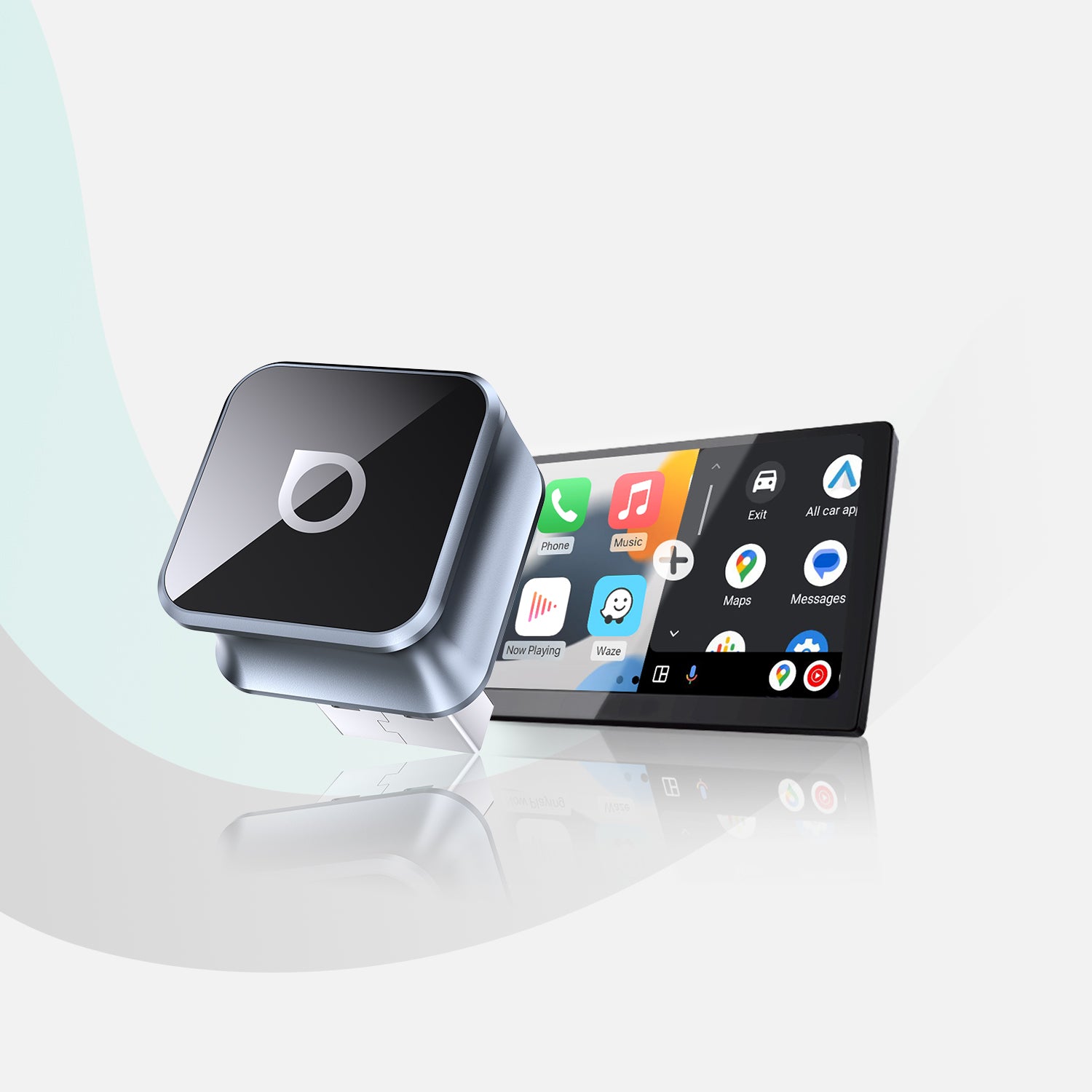
More from Our Editors
Meta Quest 3S 512GB vs 256GB: How Much Storage Do You Actually Need?
By ReviewHubNow Editorial Team
Do You Need a Soundbar With a Built-In Subwoofer for a Small Room?
By ReviewHubNow Editorial Team
Ottocast Mini Cube 3.0 vs CarlinKit: Which Adapter Should You Buy?
By ReviewHubNow Editorial Team